Period-by-period weekly grid
Set up your periods once, then fill a weekly grid for each class. The current timetable is in one place instead of on a staffroom wall.


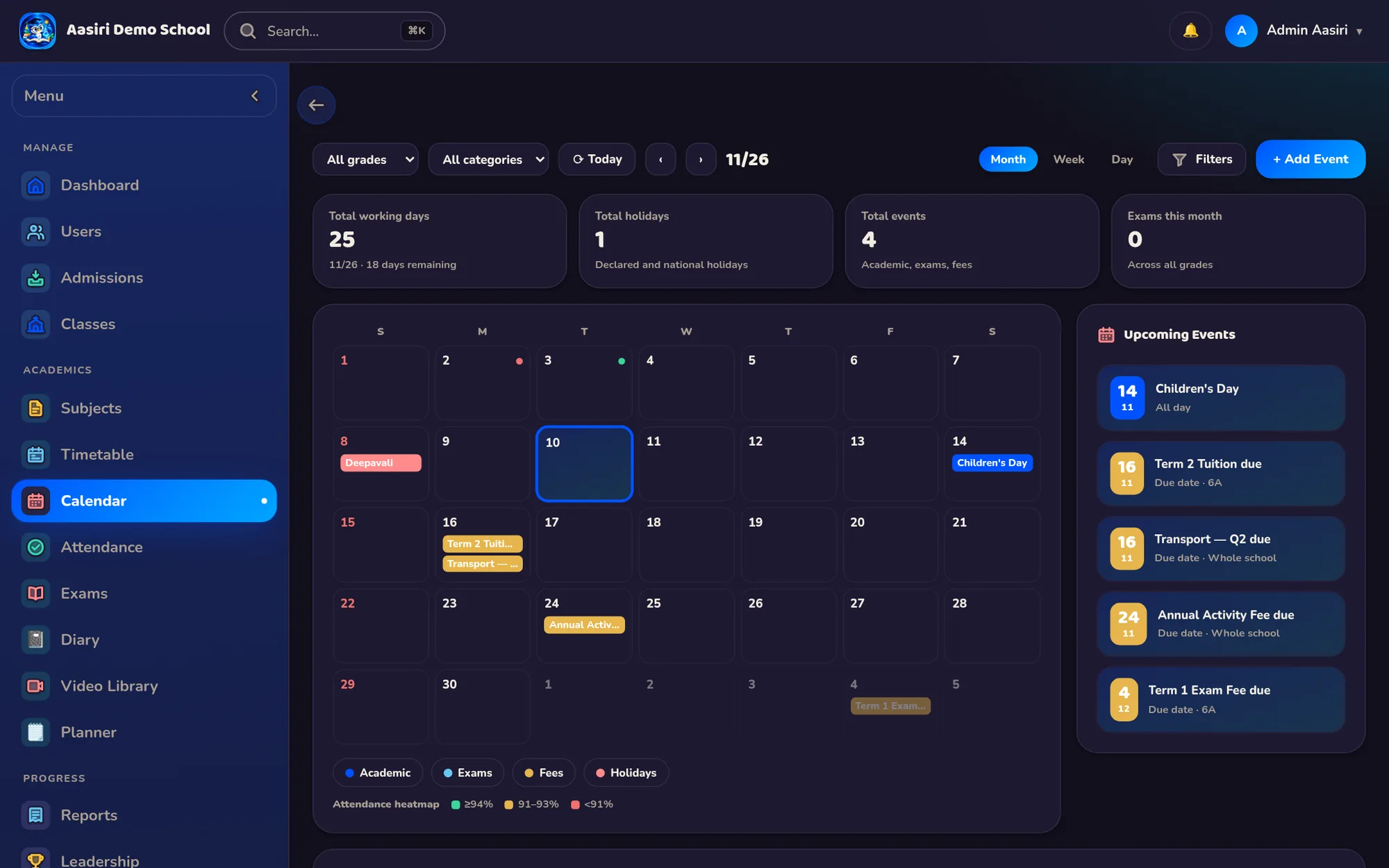
Build each class's weekly timetable period by period, and keep events and holidays on one school calendar. Families can add that calendar to their own phones, next to their own plans.
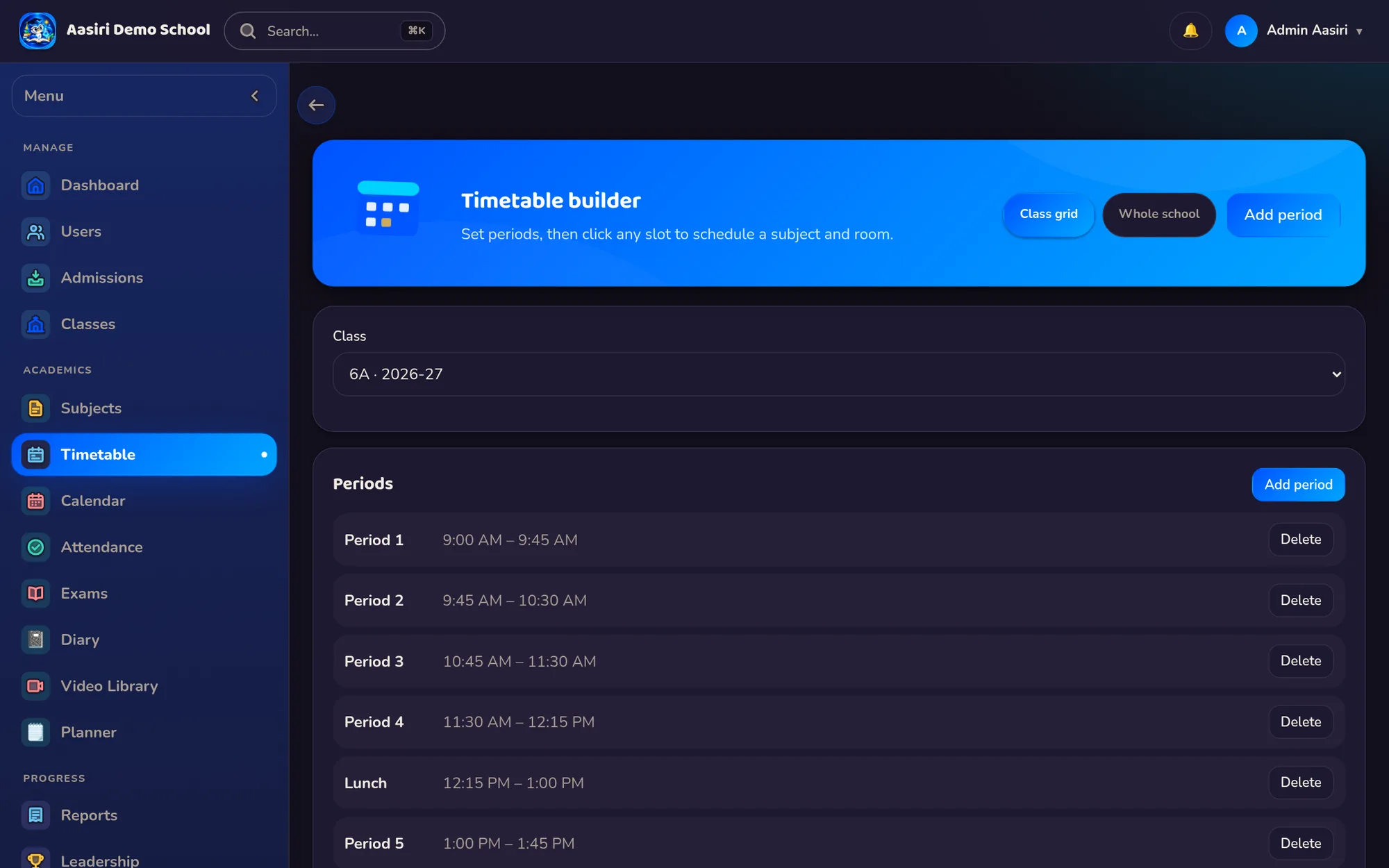
Set up your periods once, then fill a weekly grid for each class. The current timetable is in one place instead of on a staffroom wall.
Add events and holidays to a single school calendar, so everyone checks the same dates instead of relying on forwarded messages.
The school calendar exports in ICS format, which phone calendar apps can import. Families keep school dates next to their own.
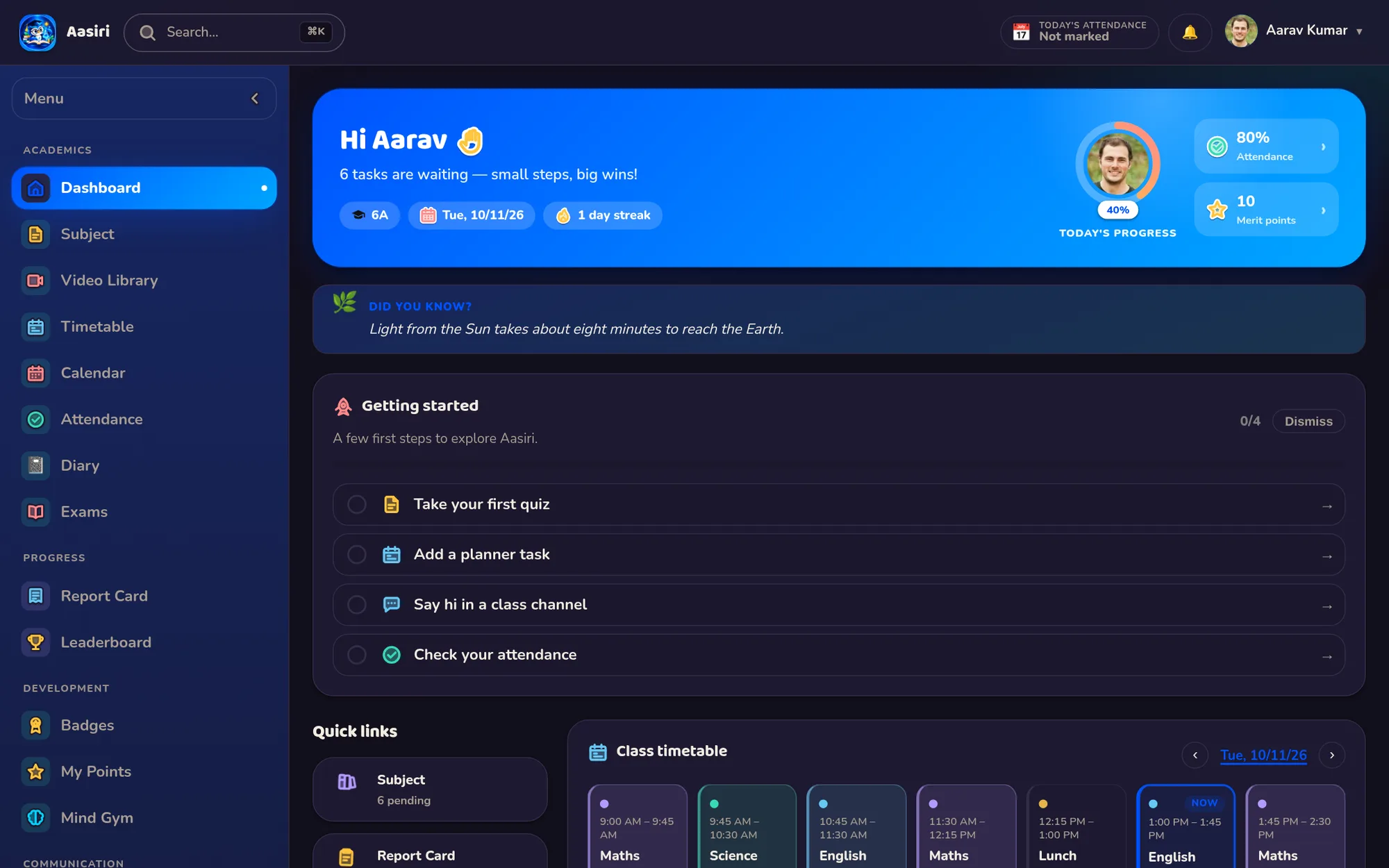
Alongside the timetable, the diary carries homework, tasks, reminders and notices that students and parents can see.
Keep a library of PDF study materials organised by subject, so students know exactly where to look for their notes.
One-click academic-year rollover promotes students and clones class and subject mappings, so you don't rebuild your structure every year.
Small decisions that only come from watching a real school run.
Periods are defined once and reused across the weekly timetable grid for every class.
The school calendar exports to ICS, the standard format that phone calendar apps import.
Events and holidays live on one school calendar rather than in scattered circulars and forwarded messages.
Academic-year rollover clones class and subject mappings, so next year's setup starts from this year's.
Yes. You define the school's periods once and then fill a weekly grid for each class, so every class has its own timetable.
Yes. The school calendar of events and holidays exports in ICS format, which phone calendar apps can import. Families then see school dates alongside their own.
Homework, tasks, reminders and notices go in the diary, which students and parents can see. Study materials can be shared as PDFs organised by subject.
Aasiri's one-click academic-year rollover promotes students and clones class and subject mappings. You start the new year from your existing structure instead of from scratch.

A 30-minute demo with your classes, your fee structure and your bus routes. No obligation.